
Replace Hosters
Open Registrations > Hosters > Replace hosters. Choose the hoster, the accounts and pools to replace, and one replacement account or pool of the same kind (video or archive).
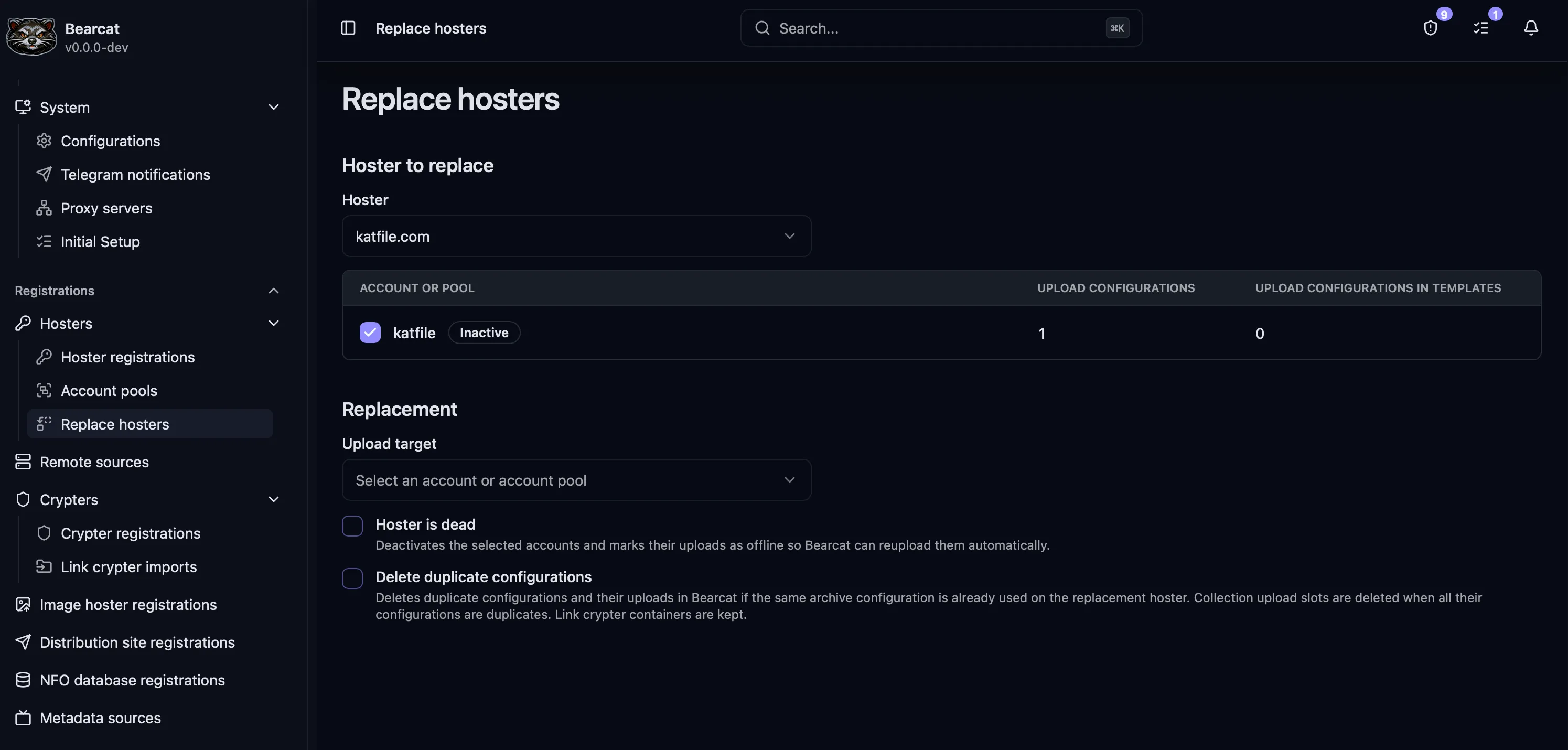
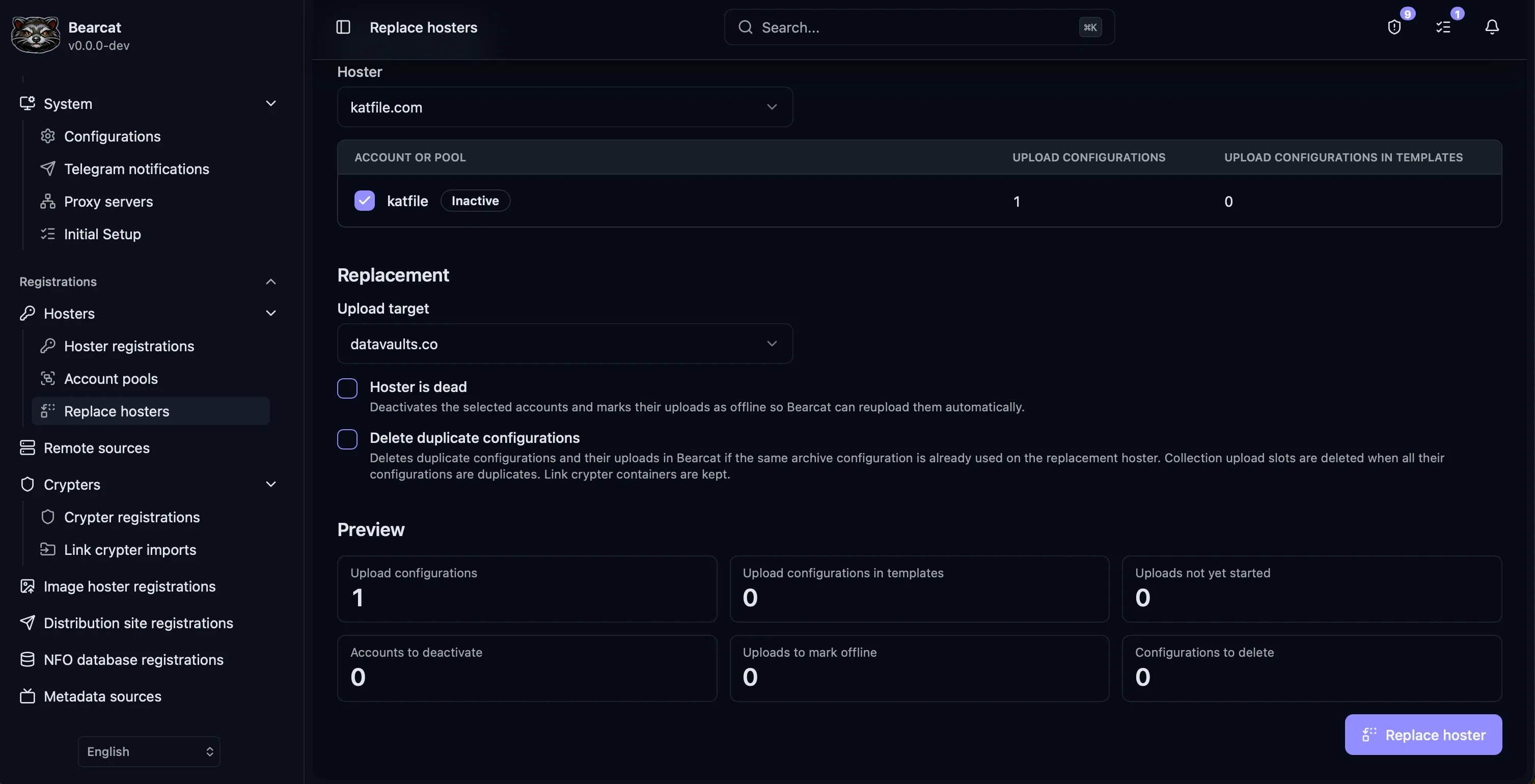
The preview updates with every change. Click Replace hoster to apply your selection. Bearcat cannot undo this automatically.
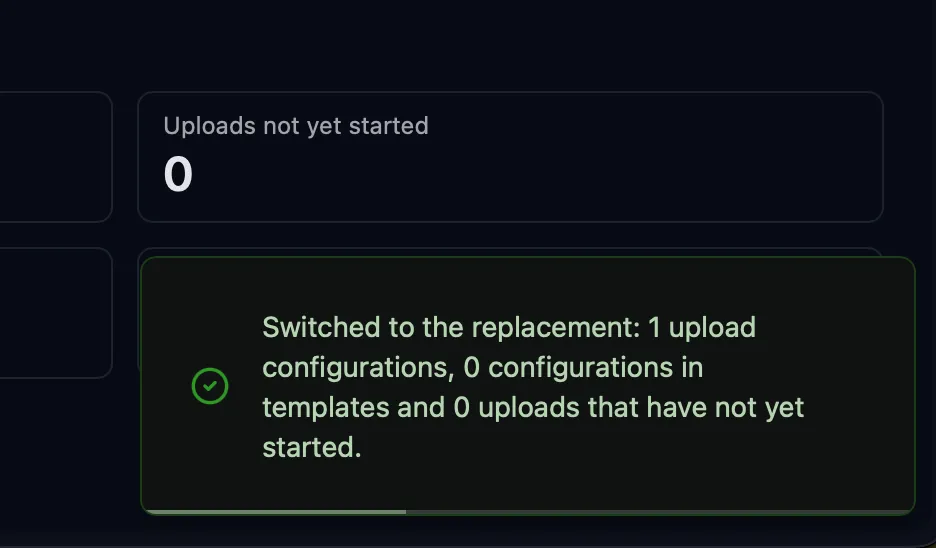
After the replacement, a message shows how many configurations and uploads were switched.
What gets replaced
Section titled “What gets replaced”- Upload configurations in releases and release templates use the selected account or pool.
- If a configuration has the same name as the old account or pool, it takes the replacement’s name. Other names stay unchanged.
- Premium only is turned off if the replacement hoster does not support it.
- Uploads that have not started and have no files move to the replacement.
The pools themselves stay unchanged. You can delete unused pools on the account pools page.
Existing uploads stay on the old hoster. The next reupload uses the selected account or pool.
Skipped configurations
Section titled “Skipped configurations”| Case | Result |
|---|---|
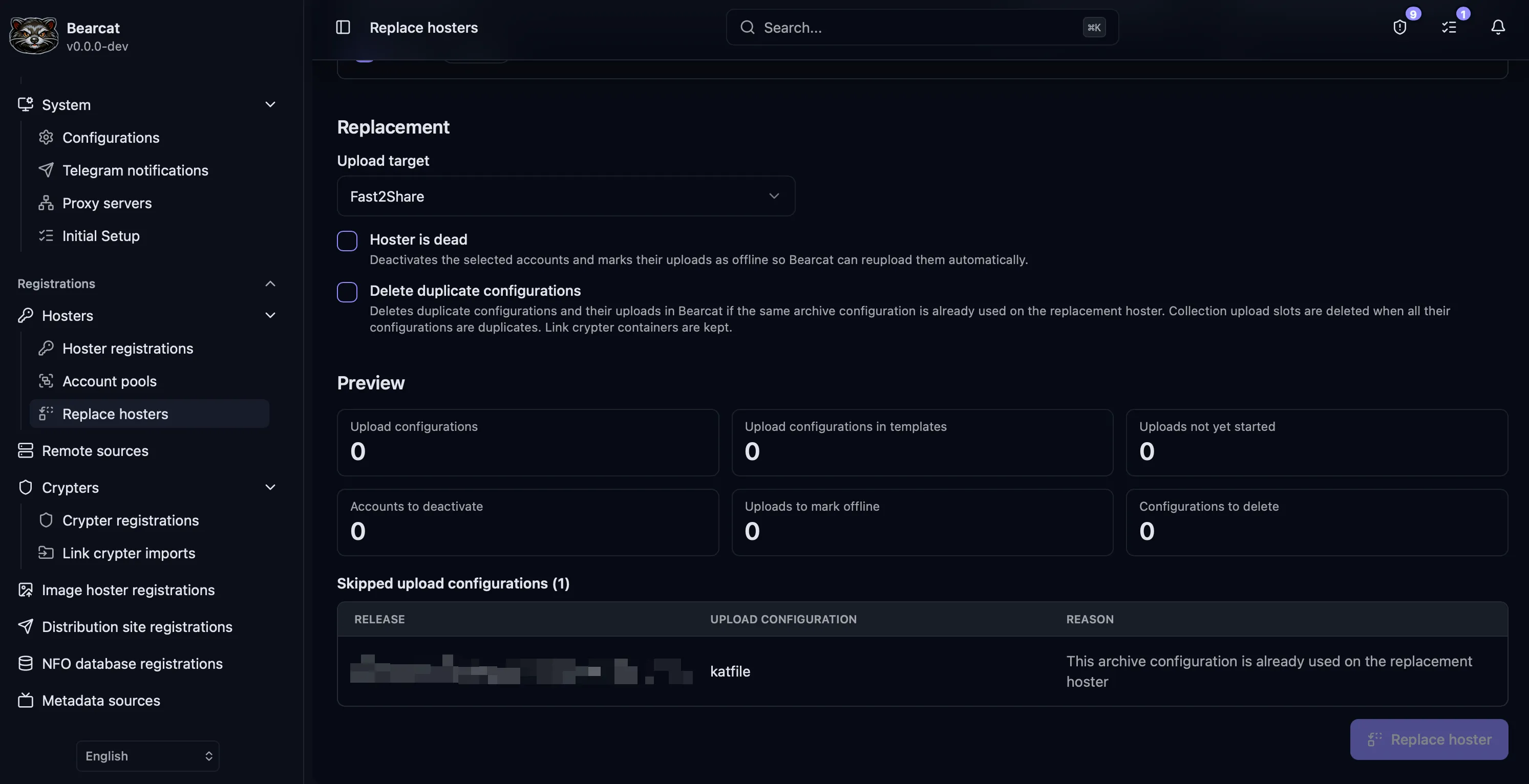
| The release or template already has the same archive configuration on the replacement hoster | The configuration stays on the old hoster |
| Several selected accounts use the same archive configuration in a release or template | Only the first upload configuration is switched to the replacement |
| One configuration of a collection upload slot is skipped | The entire upload slot stays unchanged |
The preview lists skipped configurations with a link to the release or template.
Delete duplicate configurations
Section titled “Delete duplicate configurations”Enable Delete duplicate configurations to remove duplicate upload configurations. A configuration is a duplicate if the same release or template already uses its archive configuration on the replacement hoster. If several selected accounts use the same archive configuration, Bearcat switches the first upload configuration to the replacement and deletes the others.
- Bearcat deletes their uploads and links.
- Link crypter containers stay unchanged. Delete them at the link crypter if needed.
- A collection upload slot is deleted only if all its configurations are duplicates and none has a running upload. Otherwise, the entire slot stays unchanged.
- Configurations with a running upload are not deleted.
- Duplicate configurations in templates are always deleted.
The preview shows which configurations and collection upload slots will be deleted. Anything Bearcat cannot delete stays in the list of skipped configurations. Deletion cannot be undone.
Hoster is dead
Section titled “Hoster is dead”A dead hoster usually stops reporting files as offline. Bearcat does not check inactive accounts either. Without this option, Bearcat still considers existing uploads online and no reupload starts.
With Hoster is dead, Bearcat takes two additional steps:
- Bearcat deactivates the selected accounts and every account in the selected pools. This includes accounts you did not select individually or that also belong to other pools.
- Bearcat marks completed uploads of these accounts and their files as offline, including uploads of skipped configurations.
The option is not available if the replacement is on the same hoster.
Automatic reuploads start on the new account or pool after the usual waiting time. Automatic reuploads must be enabled in the release group. Skipped configurations still use the deactivated account and cannot reupload until you change them.
What does not change
Section titled “What does not change”- Running uploads and uploads that already have files stay on the old hoster. Cancel them if they do not finish.
- Links in existing posts do not change.
- Change any hoster names typed directly into post templates by hand.
upload.hoster_nameshows the hoster name of the latest upload.